


Firmware Update Procedure

Your device shipped with the correct firmware loaded on board, shown on the MobiFlight Modules window as "CXL Autopilot" or "CXL Radio" .
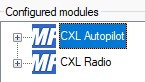
We have seen instances of this being erased, either through user action or possibly a random glitch.
Re-uploading your device's firmware may clear certain malfunctions, relating to the detection and operation of your device.
This procedure should only be carried out when instructed by our support team, or by explicit instruction on the Troubleshooting pages.

What is MobiFlight Firmware?
Firmware is the small piece of software that’s stored directly on your hardware device. It tells the electronics how to behave and communicate with your computer, a bit like an operating system for the device itself.
In the context of Circuit Avionics, the firmware runs on board your Autopilot or Radio Stack. It provides a roadmap of how to access the displays, switches, knobs and buttons on your hardware. The actual control is done separately, by the Aircaft Profile.
Without the correct firmware, MobiFlight can’t communicate properly with the device.
Before you Begin
It is essential that you upload the MobiFlight firmware to the correct device.
Uploading MobiFlight firmware to a third-party device will render that device inoperable. Circuit Avionics does not accept responsibility in such an eventuality.
Before you begin you should:
- Unplug any other devices which use COM (serial) communication
- Open the MobiFlight Modules window
- Unplug the device you're updating
- Verify that it disappears from the list
- Plug it back in
- Verify that it reappears
Now you know you are uploading the firmware to the correct device.
Upload New Firmware
If your device is "Compatible", complete Step 1 and Step 2
If your device is "ProtoBoard v2", skip to Step 2.
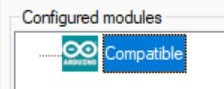
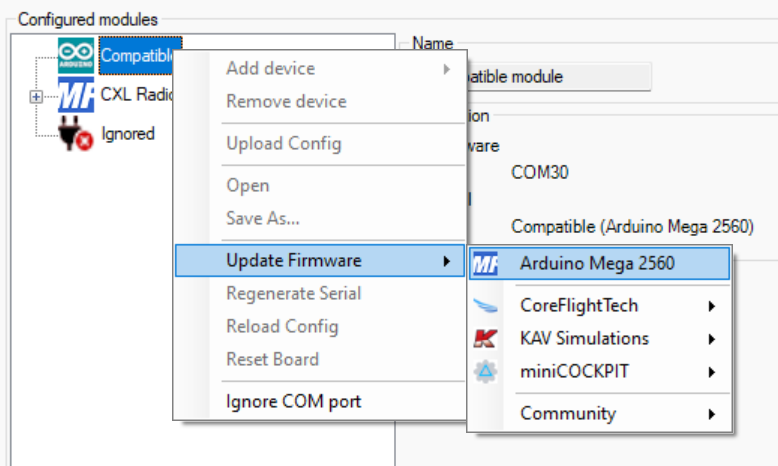
- Right-click the device and mouse over "Update Firmware"
- Click "Arduino Mega 2560"
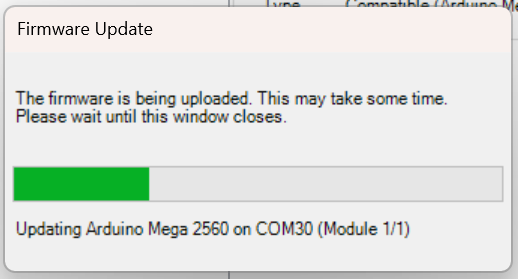
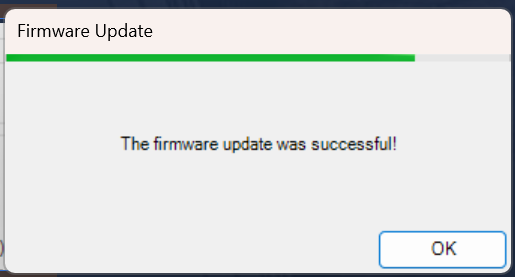
Firmware update not successful?
Something is blocking your COM port from communicating. See Troubleshooting Compatible Devices, COM ports section.
The board shows as MobiFlight Mega
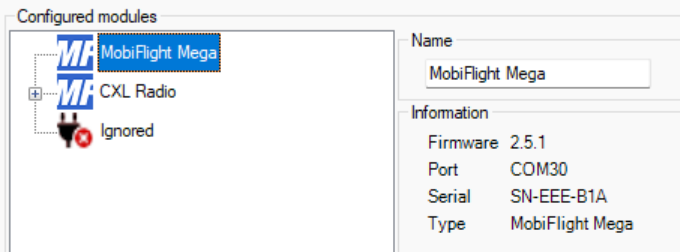
Step 2
The next step is to upload the Circuit Avionics custom configuration. These are named CXL Autopilot or CXL Radio, depending on the device
Click to download the CXL Radio or CXL Autopilot configuration file.
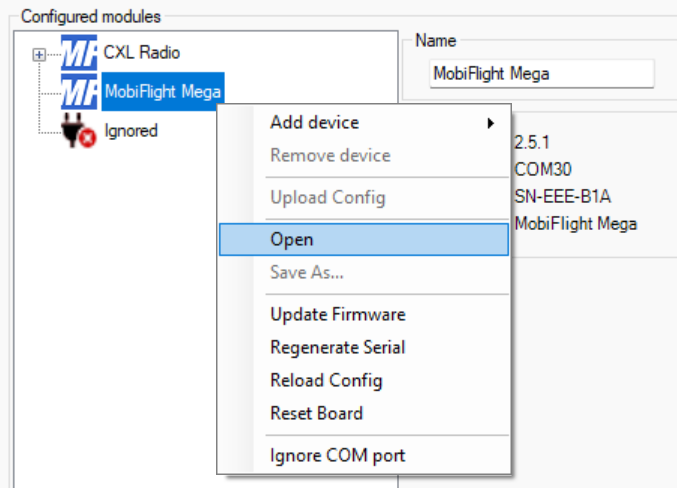
Right-click the MobiFlight Mega and select Open
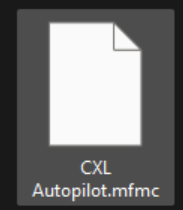
Navigate to, and double-click, the file you just downloaded, either CXL Radio.mfmc or CXL Autopilot.mfmc
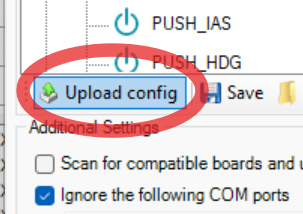
Click "Upload Config"
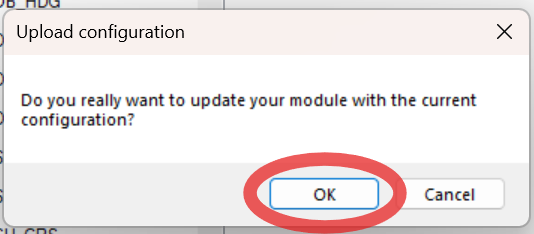
Confirm the selection
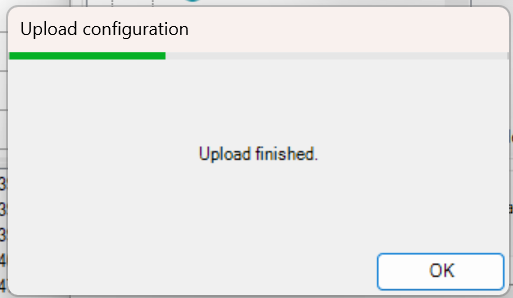
The firmware has been fully reset
Close and reopen MobiFlight
The serial of your device has changed, so you will need to re-assign the profile
